
For road, bridge and building contractors in India
Run every site from one place.
Attendance, site cash, materials, equipment, drawings and bills in one workspace per project. Engineers use it on the phone at site. The office sees it the same minute.
- Hosted in
- India
- Works
- Offline at site
- Ads and analytics
- None
How a site day runs
Recorded where it happens, seen where it matters.
- 1
Punch in at site
The engineer opens the app at the project, takes a selfie, and the phone's fresh GPS fix is checked against the site boundary.
- 2
Record the day as it happens
Cash spent with the invoice photo, material received against the order, diesel filled, drawings issued, tasks progressed.
- 3
The office sees it the same minute
Approvals land on the right desk, the cost report and the dashboard move, and the RA bill is ready to raise when the month ends.
Attendance
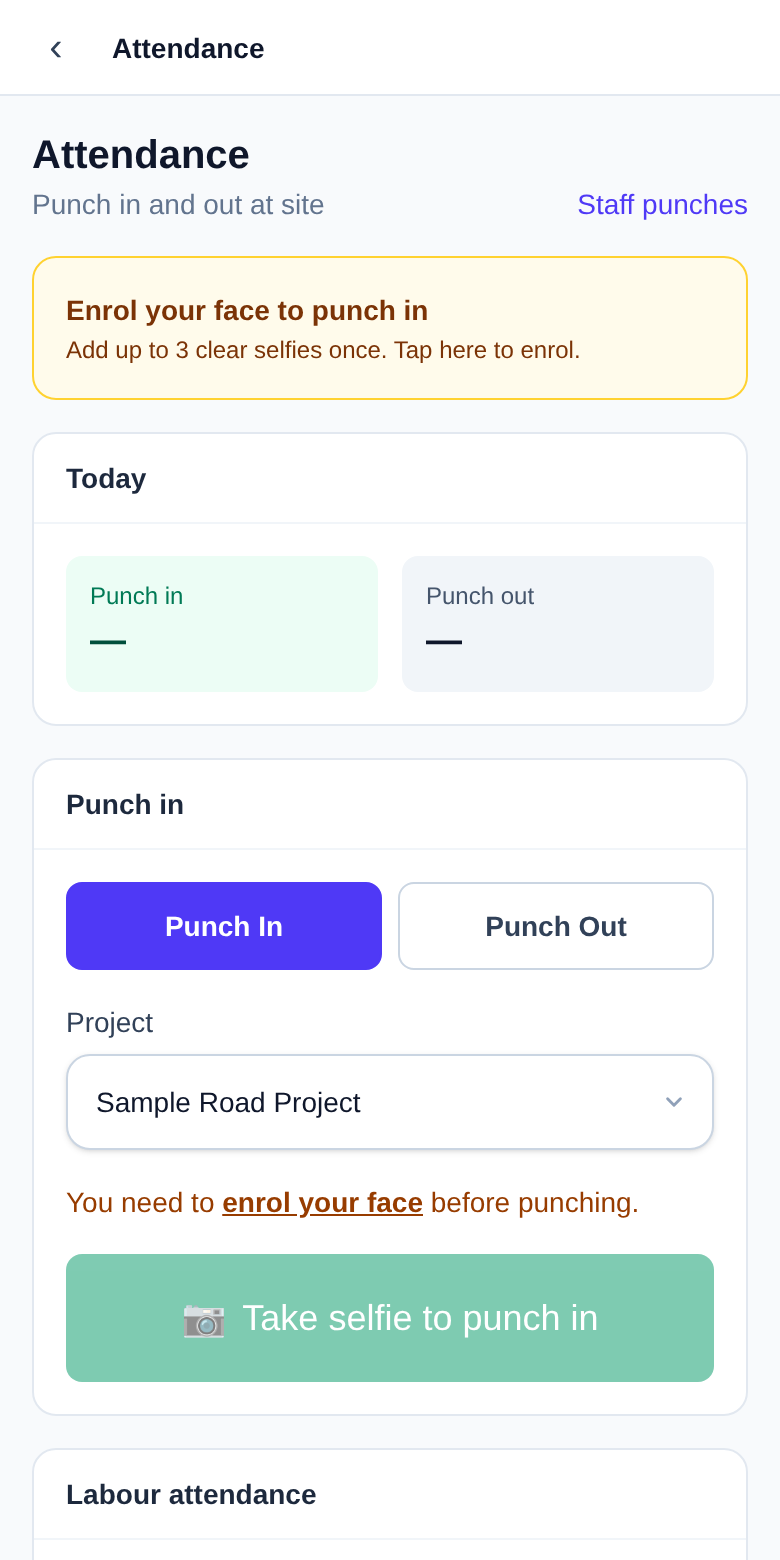
A punch that proves the person was there.
The app takes a live selfie and a fresh GPS fix. Your own server matches the face against the photos enrolled for that person and checks the distance to the site boundary. No face service outside your workspace, no photos leaving India.
- ✓ Offline queue: a punch made without signal is sent when the phone is back online.
- ✓ Driver mode: one big button for the day's selfie, the assigned vehicle, and diesel with the pump slip.
- ✓ Registers and exports for payroll, per project and per person.
Site cash to RA bill
Every rupee from the site to the client's bill.
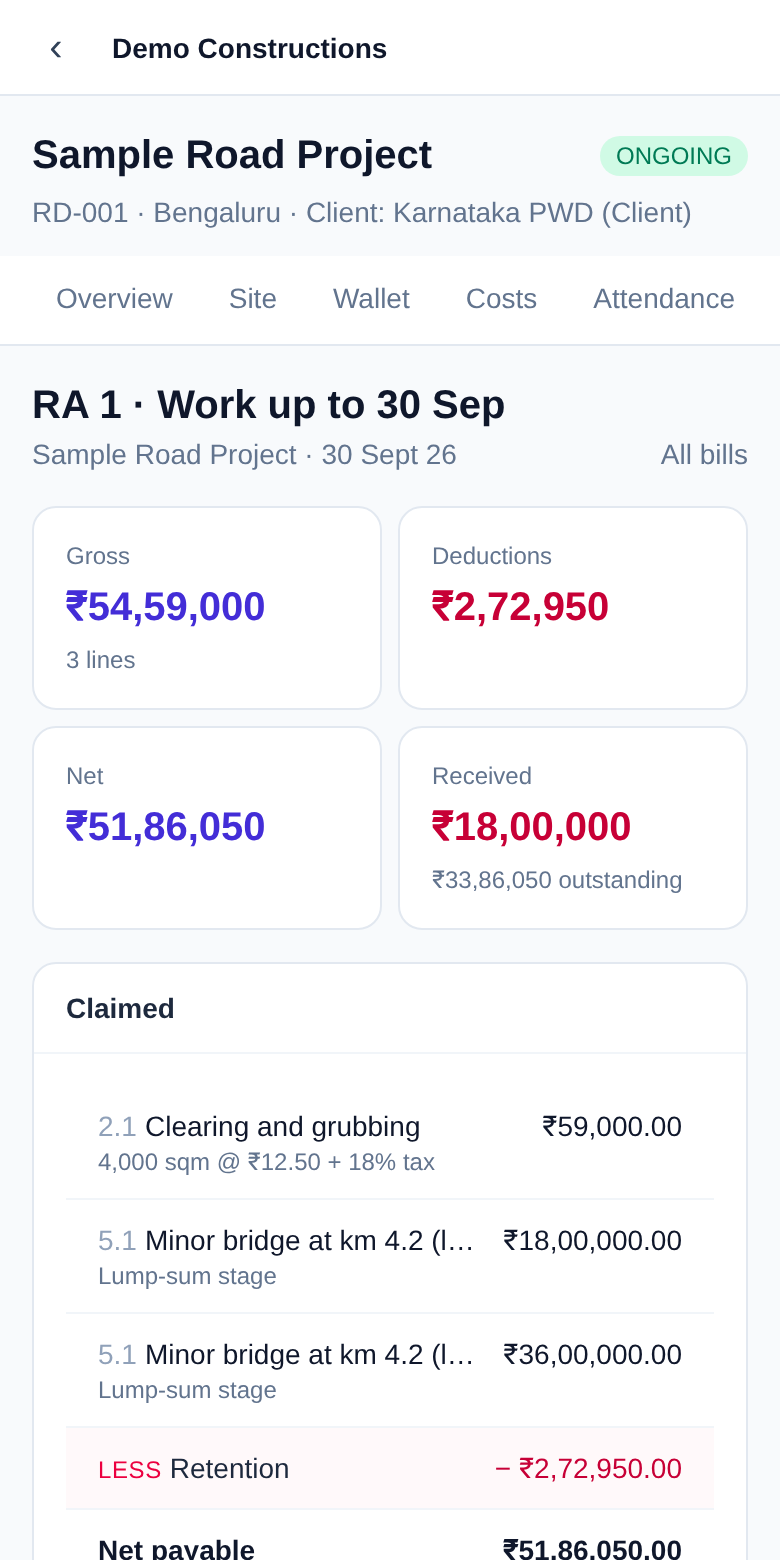
Imprest goes to the site in-charge, expenses come back with invoice photos and cost codes, payment requests climb the approval chain. The BOQ holds the contract; RA bills claim against it with deductions, and receipts are recorded against each bill, so billed and received are never in doubt.
- ✓ Budget, committed and actual cost per cost code, per project.
- ✓ Lump-sum stages billed in parts; item-rate quantities at the contract rate.
- ✓ Excel exports of every ledger for the accountant.
For the office
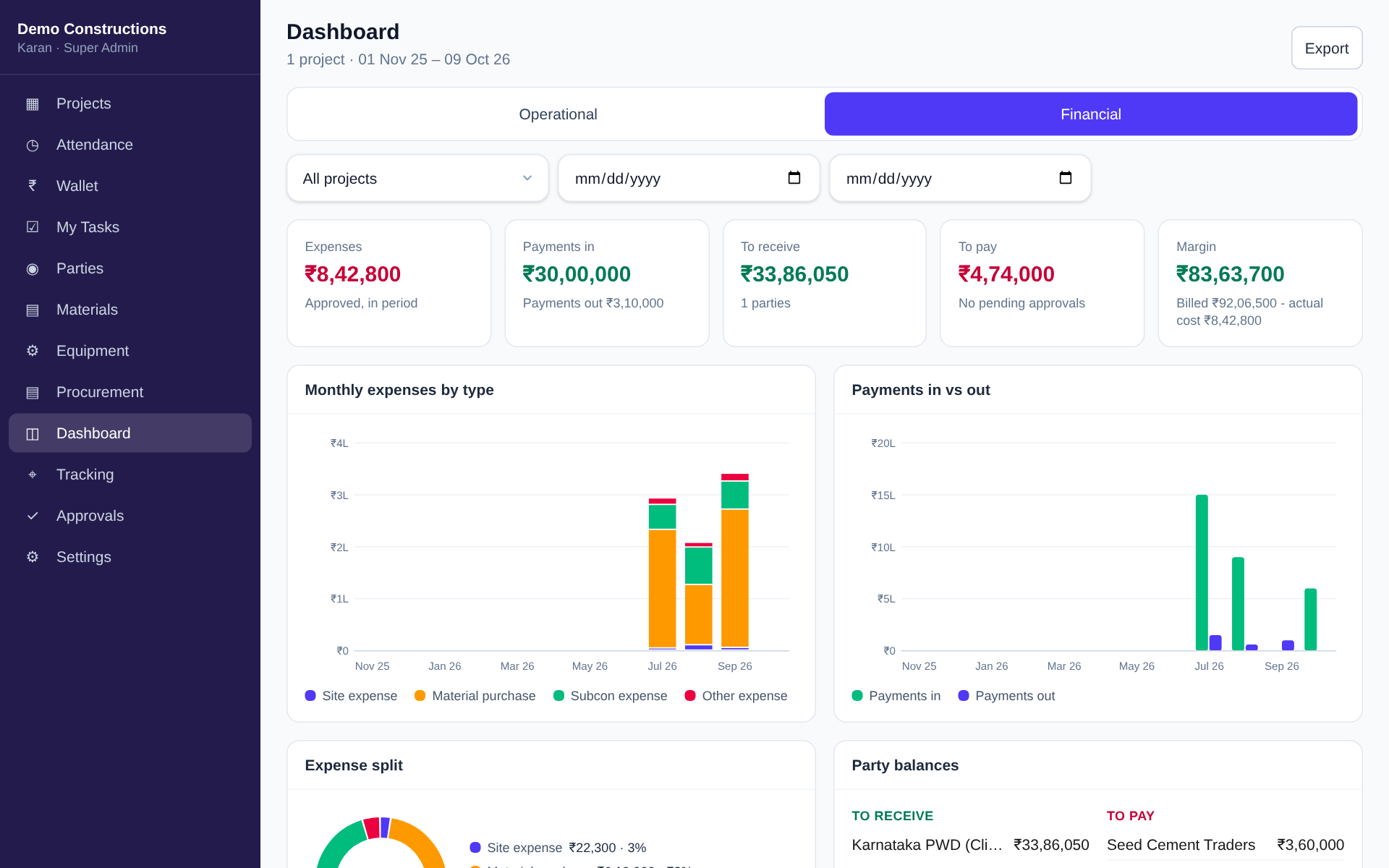
The whole company on one screen.
Expenses by type, payments in and out, what is to receive from clients and to pay to vendors, per project or across all of them, with the date range you choose.
Modules
What it runs.
Attendance
Live selfie matched to enrolled photos, GPS checked against the site boundary, offline punches for sites without signal.
Site cash and approvals
Imprest given to the site, expenses with invoice photos, payment requests through multi-level approval, every rupee on a cost code.
Materials
Stock per site with a ledger, requests from site, receipts against purchase orders.
Procurement
Request, approve, order, receive. The office sees what is committed before it is spent.
Equipment and fuel
Machines allocated to projects, drivers marking attendance from the cab, diesel logged with the pump slip, vehicle location on the office map.
Drawings
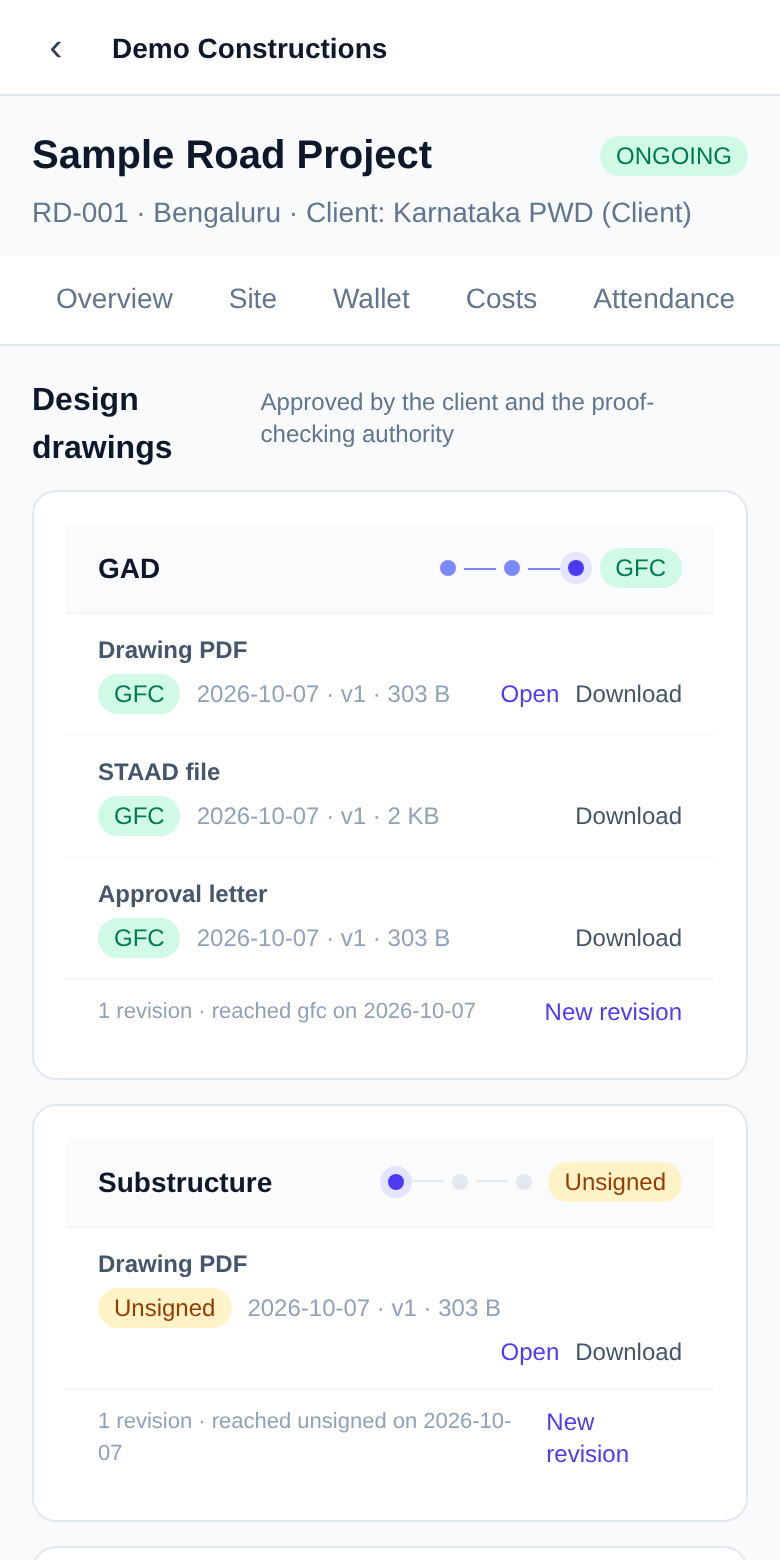
Revisions by component, stages up to GFC, source files beside each sheet, the complete set merged on demand.
BOQ and RA bills
The contract as items and lump-sum stages, bills claimed against it with deductions, receipts against each bill.
Tasks and snags
Task schedule with progress from site, per-person to-dos and snag lists with photos.
Data and security
Your company's data stays your company's.
One workspace per company
Members, roles, projects and files are isolated per company on every request. Roles set permissions down to which drawings a person may open.
Hosted in India
Selfies, photos and location are stored in India and used only for attendance, vehicle location and project records. No advertising, no analytics trackers, no third-party face service.
Built for the Digital Personal Data Protection Act
Consent before face enrolment, location sharing disclosed before it starts and deleted after 90 days, a named grievance contact, and account deletion from the app.
See it on your own project.
A demo takes thirty minutes. Bring a live site; we set up a workspace with your projects and walk your engineers through a punch, an expense and a drawing.